Google Analytics Integration
Last updated: October 16, 2026
To send your Superfiliate landing-page events to Google Analytics, enter your Measurement ID in Superfiliate under Integrations → Analytics. Review the domain guidance below as part of your setup.
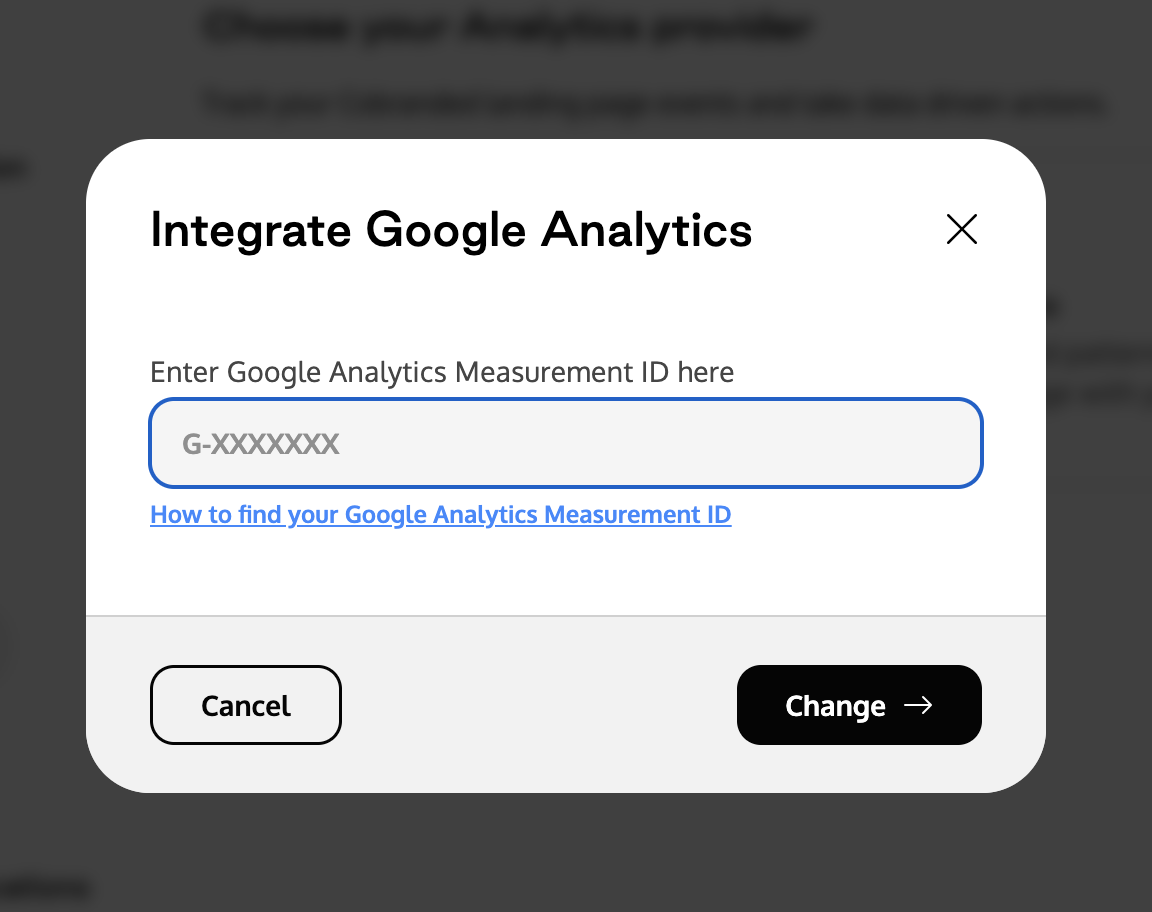
Here's how you can find your Measurement ID inside your Google Analytics account:
In Admin, under Data collection and modification, click Data streams
Select the Web tab.
Click the web data stream.
Find the measurement ID in the first row of the stream details.
You can also reference their article on how to find your measurement ID here.
Domain choice and cross-domain measurement
A custom landing-page domain does not automatically configure Google Analytics cross-domain measurement. Using a subdomain of your storefront’s root domain can simplify cookie continuity, but your Google tag, consent, and cookie configuration still matter.
If landing pages and your storefront or checkout use different root domains, ask your analytics team to review Google’s cross-domain measurement setup. Google requires the same tag ID from the same web data stream on the pages involved. Redirects must preserve the _gl linker parameter when it is added.
Google Analytics measurement and Superfiliate creator attribution are separate systems. Configuring one does not guarantee the other. See Custom Domain Set Up for Superfiliate’s domain choices and attribution limitations.