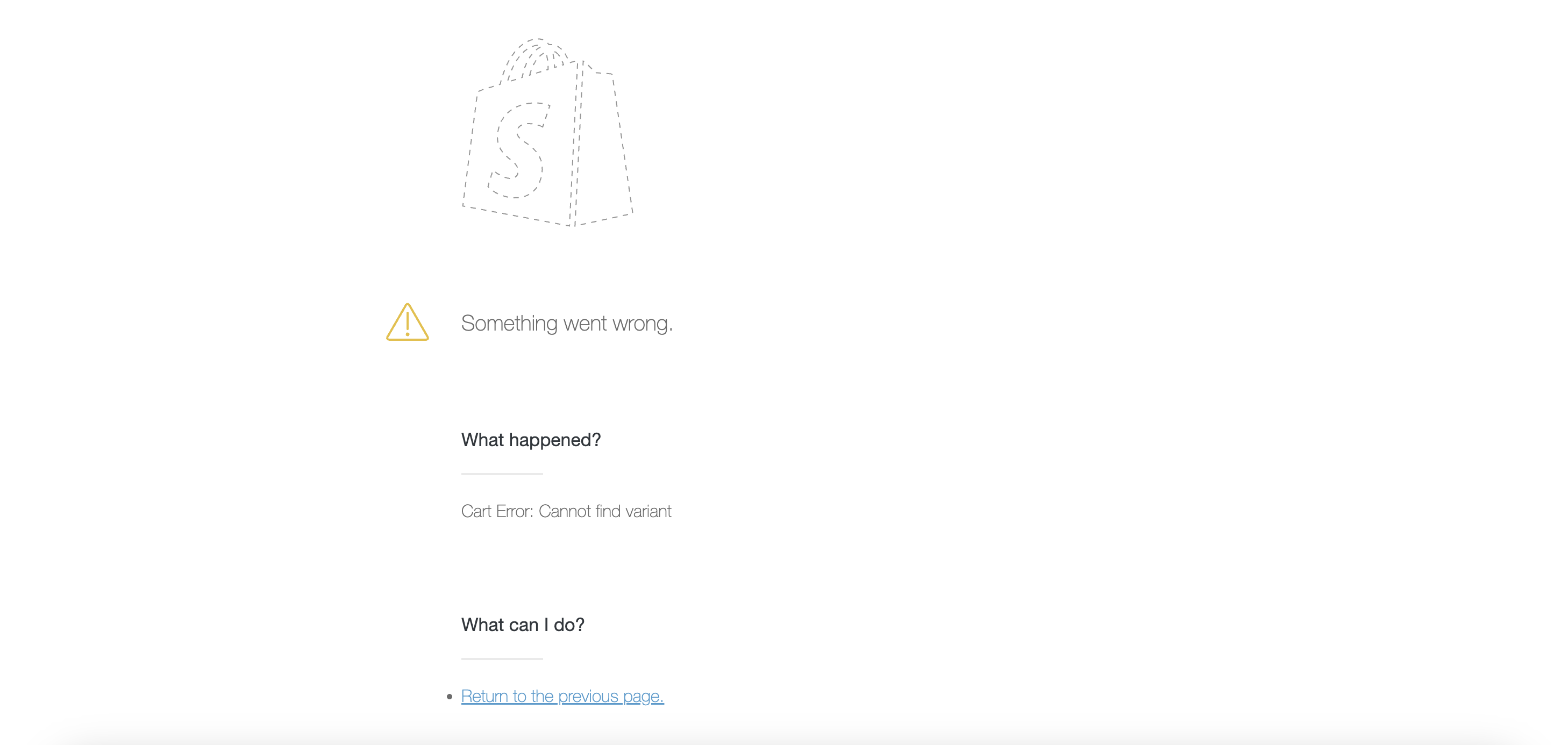
Fixing the error: "Cannot find variant"
Last updated: October 26, 2026
Sometimes it is possible to see an error message from Shopify when you're being redirected from a landing page or a gifting link to checkout.
The "Cannot find variant" error comes from Shopify, not Superfiliate.
Cause
This typically means the product is not active or not published to the "Online store" sales channel in Shopify, which doesn't allow Shopify to redirect the product to checkout
How to fix
Make sure to set the product as "Active"
Go to the product in your Shopify admin.
Scroll to the "Sales channels and apps" section.
Click "Manage".
Make sure "Online store" is selected.
Save the changes.
Once the product is published to the Online store, the error should go away. If you don't want the SKU to show up on your website, you can simply not add it to any collections
Gifting with draft-order gifting enabled? If Superfiliate has permission to create draft orders in your store, creators claim gifts through a draft-order checkout instead, and gift products don’t need to be on your Online Store. See Sending Hidden Products in Gifting Campaigns.