What Timezone Is My Account In?
Last updated: September 23, 2026
All of the times reflected in your Superfiliate account — across reporting, promotion settings, etc. — are based on the timezone settings in your integrated Shopify store
You can see the timezone that your store has selected in your Shopify account by clicking on Settings > General > Store Defaults
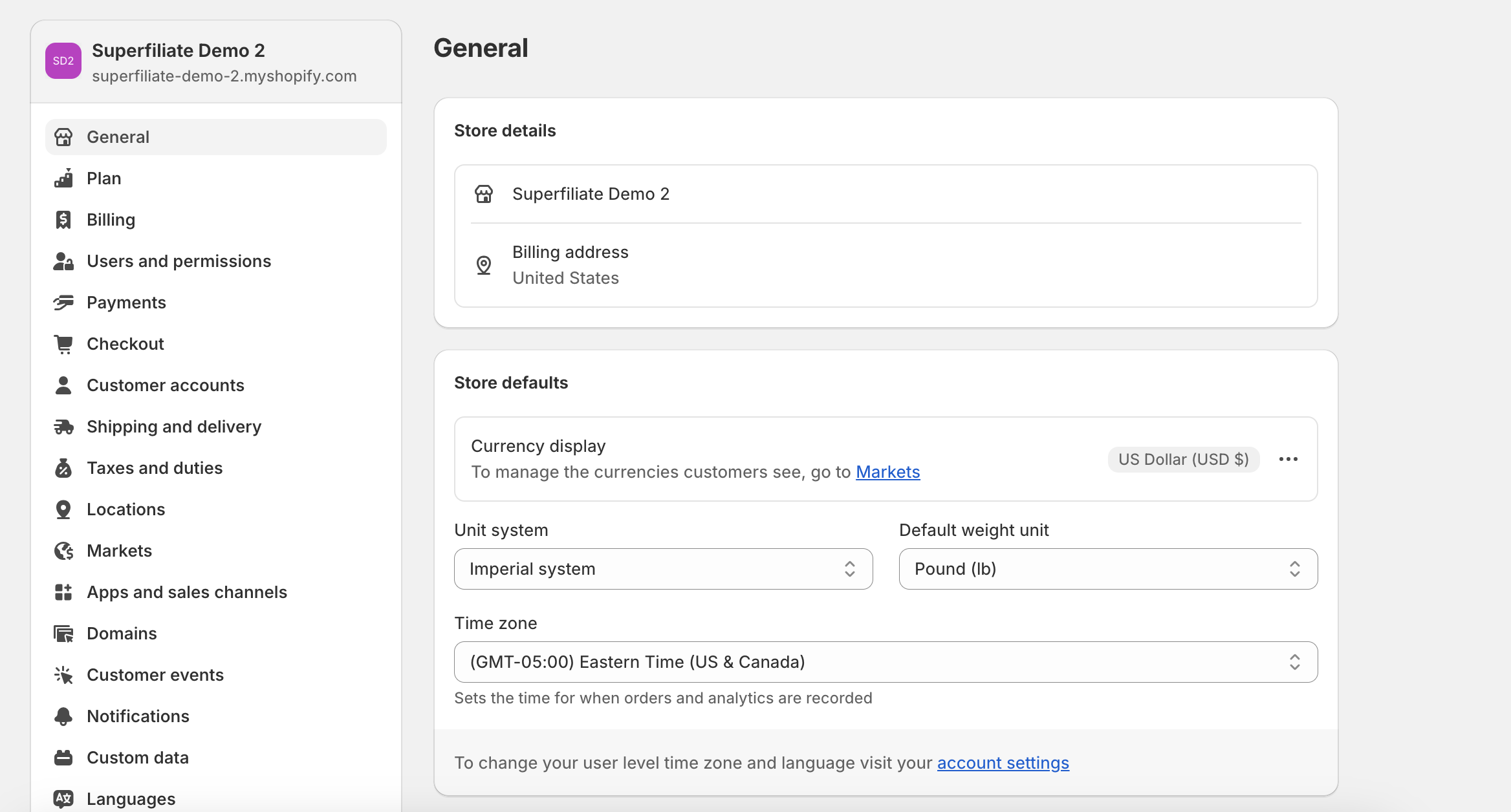
Social Listening: post cards display dates and times in the viewer’s local timezone, so two viewers may see different dates for the same post.
Meta Ads: Scheduling uses the connected Meta ad account’s timezone and falls back to the store timezone if needed.
Content Brief Analytics: It follows the store’s calendar days rather than the viewer’s browser timezone.