Lumanu Integration - Payment Provider
Last updated: September 16, 2025
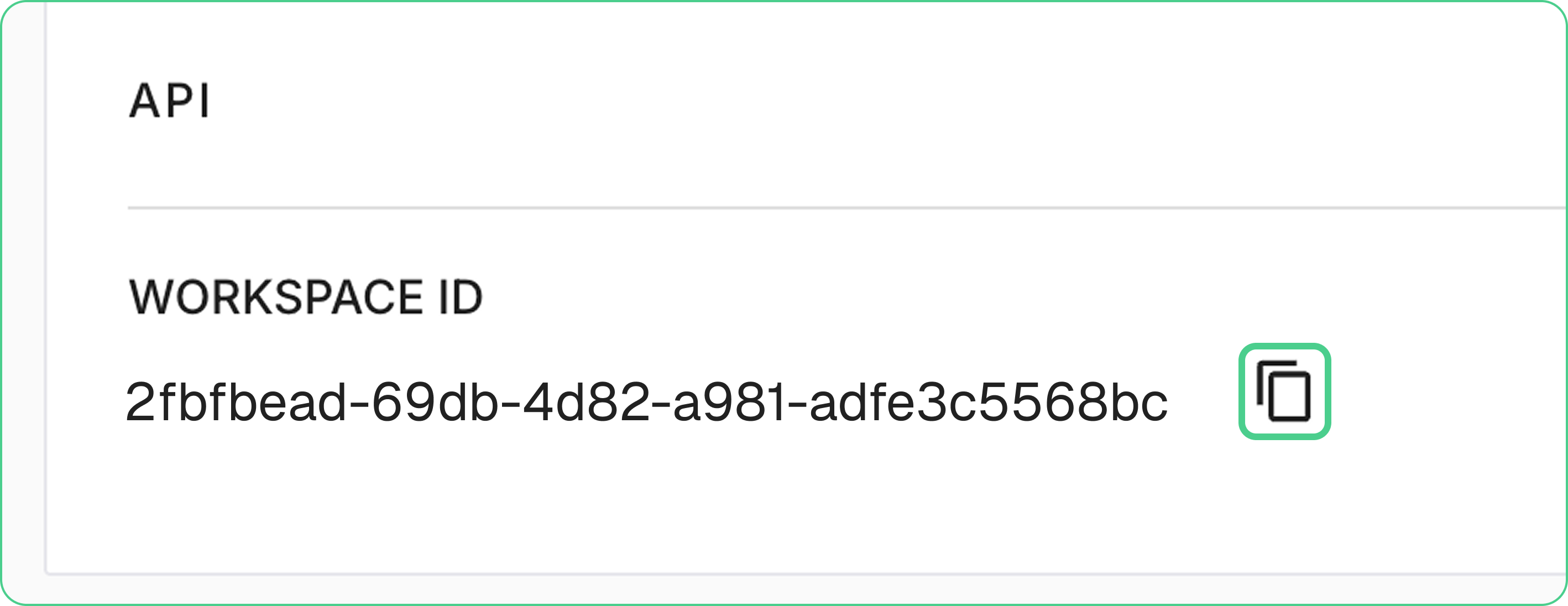
When connecting your Lumanu account with our app, you’ll need your Workspace ID. Follow the steps below to locate it:
Open your workspace
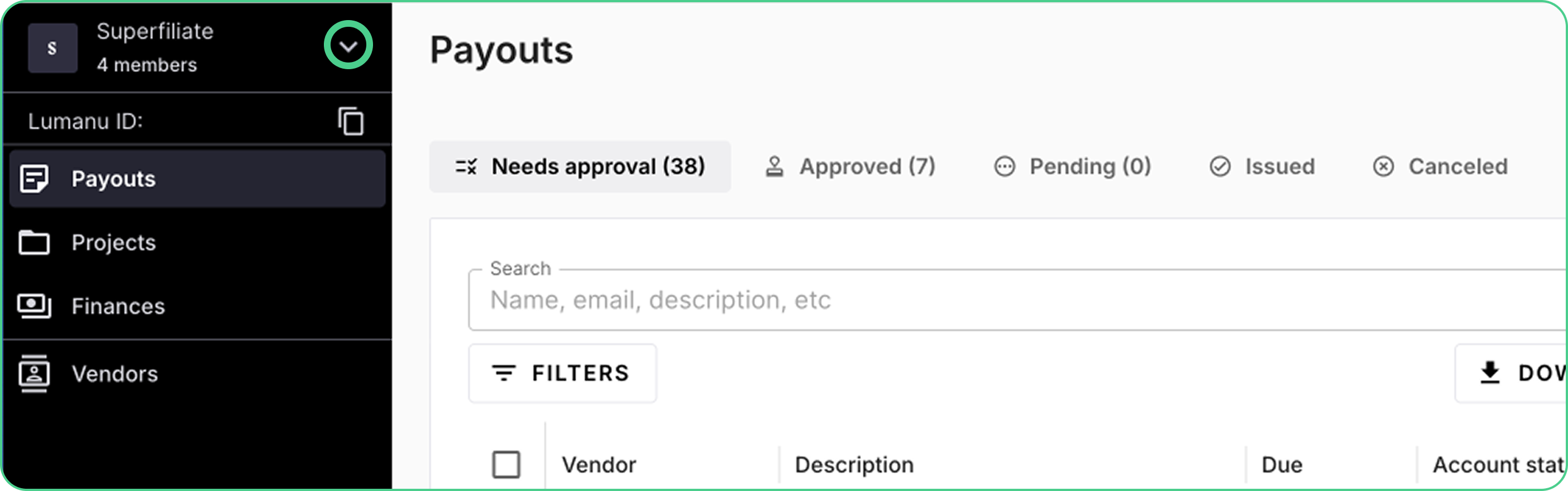
Log in to Lumanu and click on your workspace to expand its details.
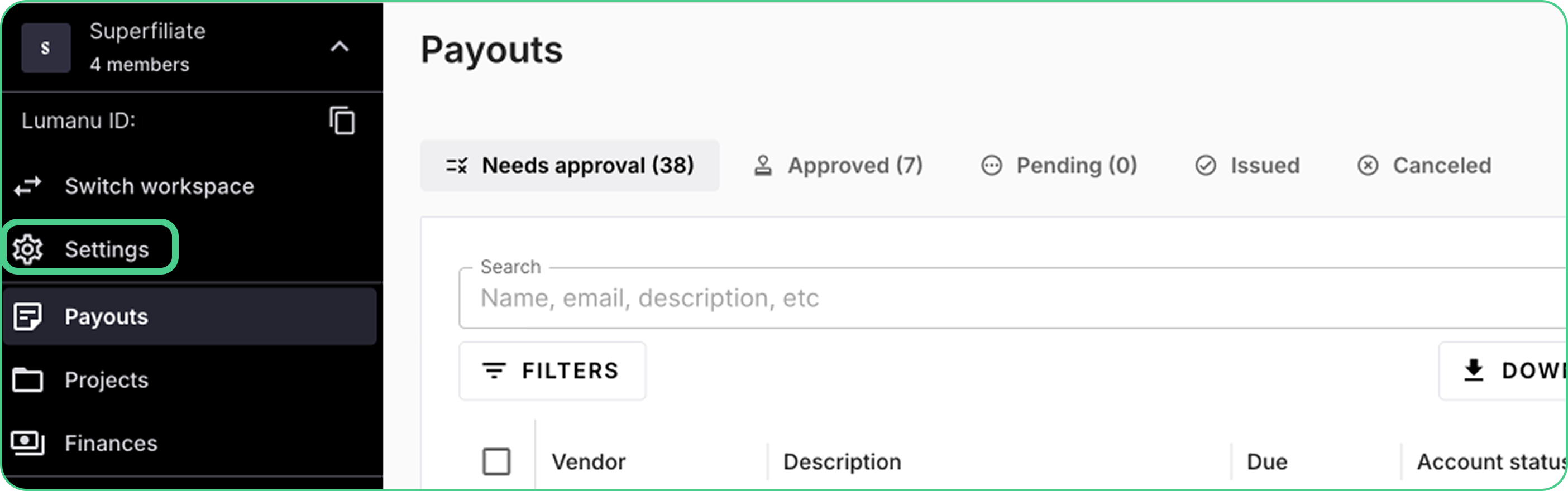
In the expanded view, click on Settings from the menu.
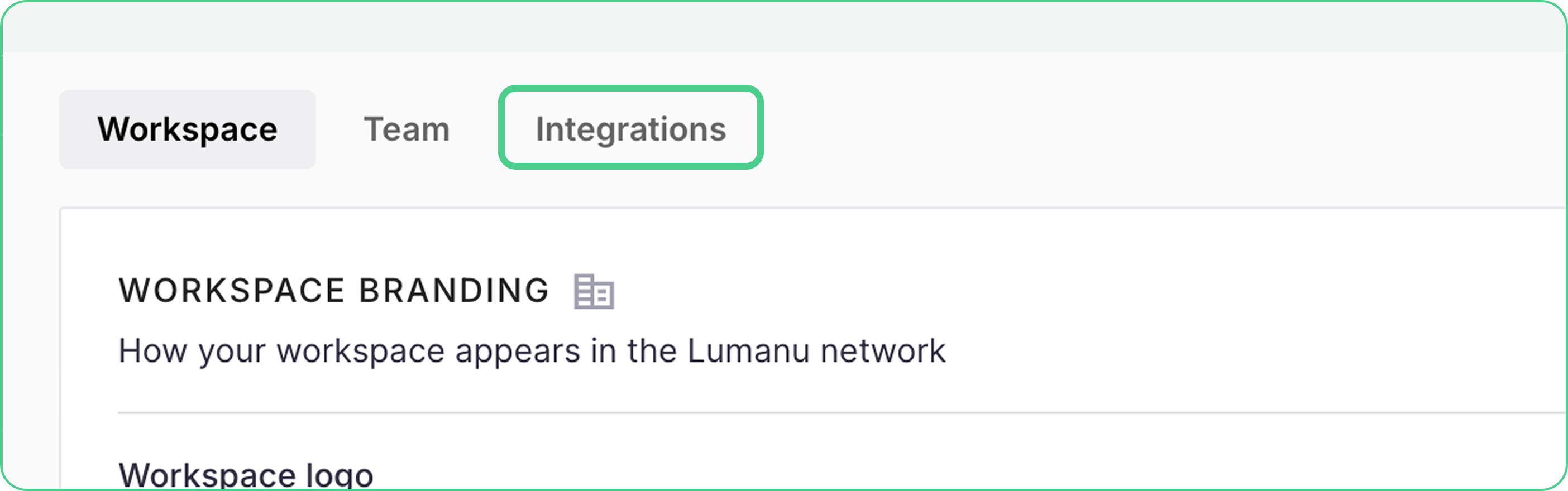
Inside the settings page, select the Integration tab.
Inside the settings page, select the Integration tab.