How to Invite a Creator to Your Program from Social Listening
Last updated: September 8, 2026
The Invite to Join Program option lets you invite a creator to your program directly through Instagram DM after they post content mentioning or tagging your brand.
It’s a quick way to turn an organic brand mention into a potential creator partnership.
Before You Start
To use this option:
Your brand’s professional Instagram account must be connected in Settings > Integrations > Social.
The creator must not already be enrolled in one of your brand’s programs.
How to Send an Invite
From the left-hand menu, open Social Listening and go to the Instagram tab.
Find the post, Reel, or Story from the creator you want to invite.
Open the content and click Invite to Join Program.
Select the program you want to invite the creator to.
Review and customize the invitation.
Click Send Invite.
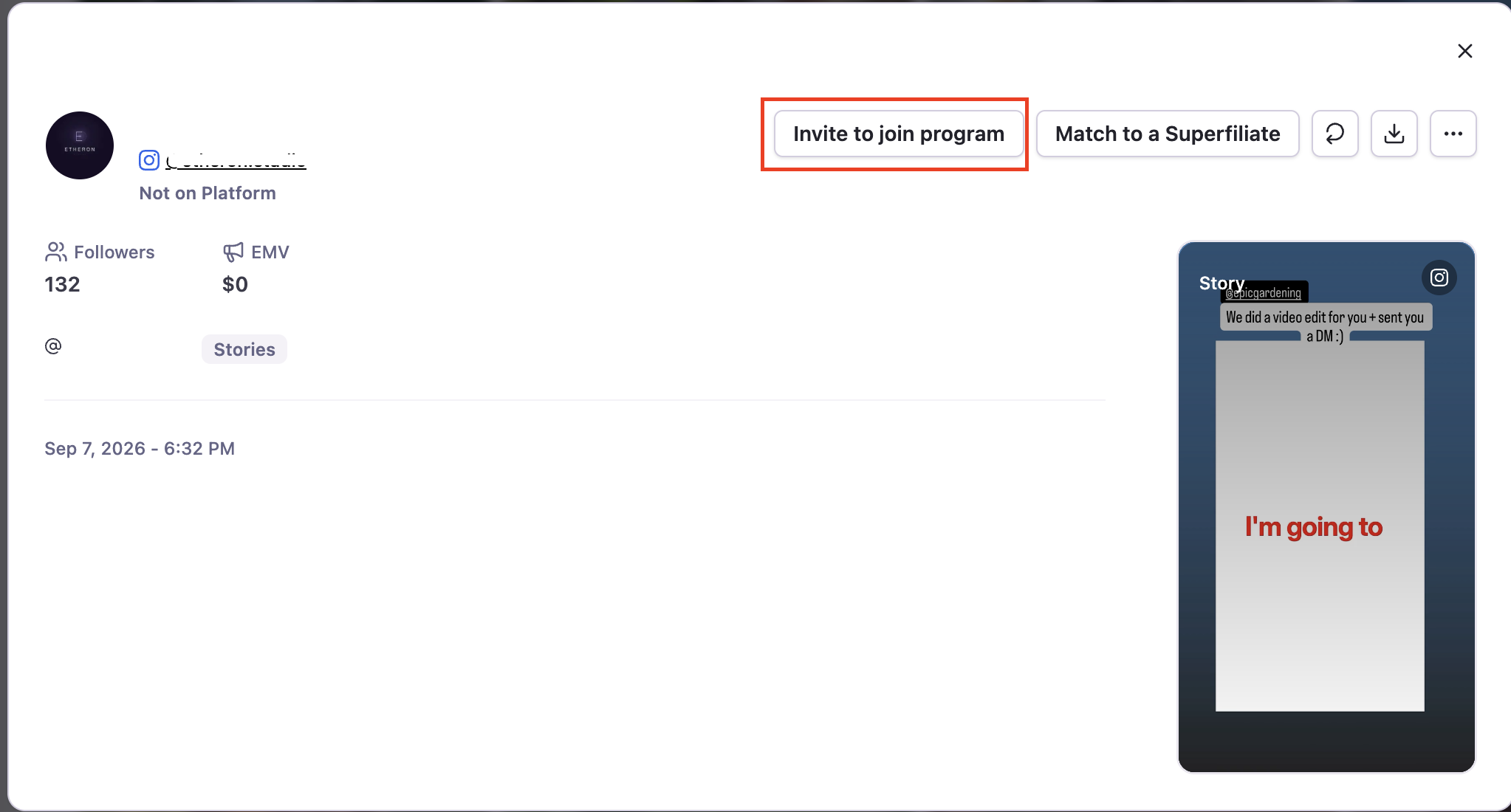
The creator will receive an Instagram DM with a button linking to the application page for the selected program.
Sending the invitation does not automatically enroll the creator. They must open the link and complete the application or sign-up process.
When the Option May Be Unavailable or the Invite May Not Send
You may not be able to send an invitation if:
The creator is already enrolled in one of your programs.
More than 7 days have passed since the creator’s most recent interaction with your brand. In this case, Instagram’s messaging rules may prevent Superfiliate from sending the DM, and you’ll need to continue the conversation directly through Instagram.
The connected Instagram account does not have control of the DM conversation with that creator.
Personalize the invitation by referencing the content that caught your attention. A more relevant and personal message can make the outreach feel more genuine and increase the likelihood that the creator will want to learn more about your program.